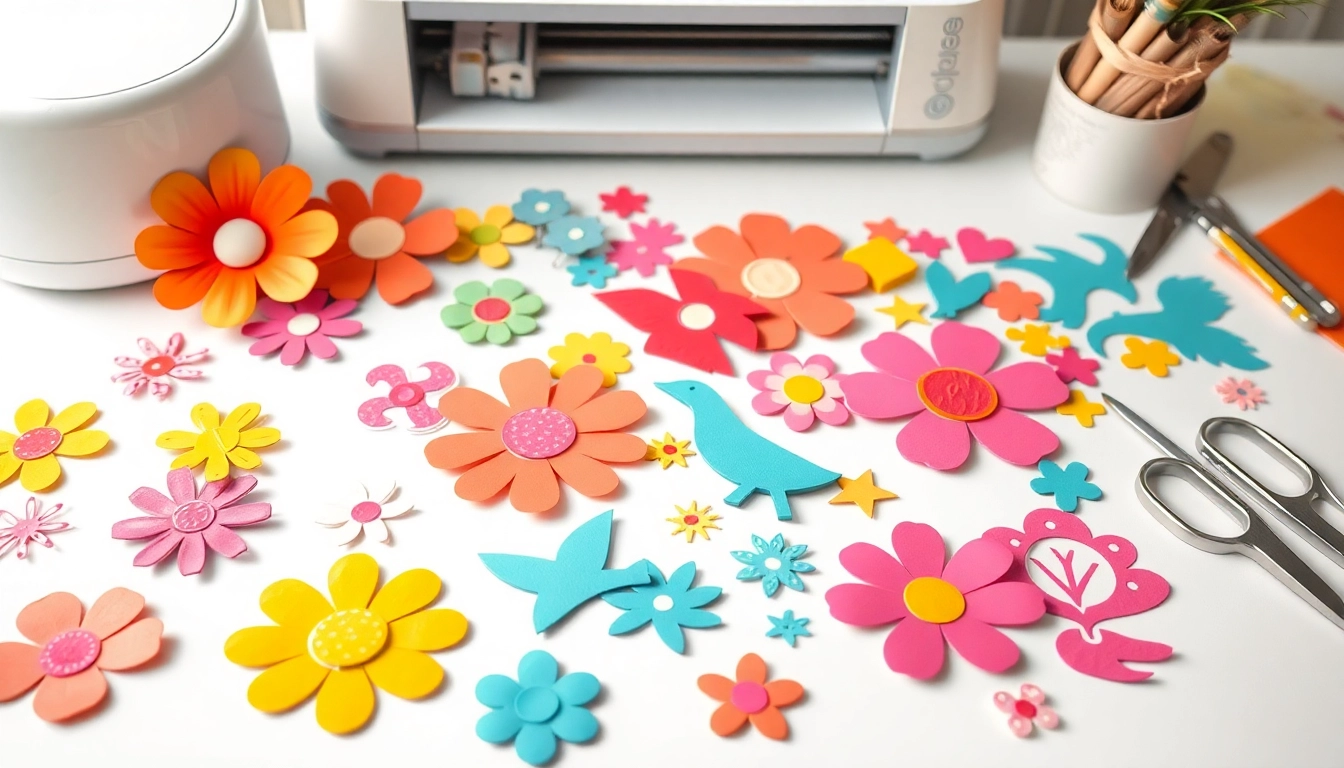
Understanding Cricut SVG: What You Need to Know
For creatives and crafters alike, harnessing the power of Cricut machines can unlock a world of design possibilities. At the heart of these tools is a format known as SVG (Scalable Vector Graphics), which plays a pivotal role in crafting intricate designs that elevate any project. Understanding the nuances of Cricut SVG files is essential for anyone looking to maximize their crafting potential. In this article, we will dive deep into what SVG files are, their benefits in Cricut projects, and provide resources for sourcing and creating your own designs.
Defining SVG Files and Their Uses in Cricut
SVG files are vector graphics, which means they are made up of paths rather than pixels. This format allows for scalability without loss of quality—perfect for cutting machines like Cricut. When you load an SVG file into Cricut Design Space, the software interprets the paths, allowing the machine to cut, draw, or score the design accurately. SVG files are commonly used for a variety of projects, from vinyl decals to paper crafts, and even custom apparel.
Common Misconceptions About Cricut SVG
Despite their popularity, several misconceptions about Cricut SVG files persist. One common myth is that SVG files are only suitable for advanced users. In reality, many resources are available to help beginners get started with SVGs. Another misconception is that SVG files are too complicated to customize. While some designs may be intricate, with the right tools and knowledge, anyone can modify SVG files to suit their specific needs.
The Benefits of Using SVG Files for Your Projects
Using SVG files in your Cricut projects offers numerous advantages:
- Unlimited Scalability: Resize your designs without losing sharpness or detail.
- Versatile Applications: Use SVG files for various materials, including paper, vinyl, fabric, and more.
- Ease of Use: Importing SVG files into Cricut Design Space is straightforward, making it accessible for all skill levels.
- Customizability: Easily modify designs to create unique projects tailored to individual tastes.
Where to Find High-Quality Cricut SVG Files
Finding quality SVG files is crucial for achieving the best results in your crafting. Numerous resources, both free and paid, provide high-quality designs that can elevate your projects significantly.
Top Websites for Premium Cricut SVG Downloads
Some top websites for premium Cricut SVG downloads include:
- SVGCuts: Known for a vast library of professional-grade SVG files, catering to various crafting needs.
- Cricut Access: Subscribers gain access to an extensive library of exclusive SVG designs directly through Cricut.
- Design Bundles: Offers a wide array of premium and occasional free SVG files ideal for any project.
Free Resources for Cricut SVG Files
If you're looking for budget-friendly options, several websites provide free SVG files:
- HelloSVG: Offers a variety of free SVG files suitable for all Cricut projects.
- Caluya Design: A great source for high-quality free SVGs, perfect for personal or commercial use.
- Freepik: A resource for both free and premium SVG graphics ideal for various crafting needs.
How to Evaluate the Quality of SVG Files
Not all SVG files are created equal. To ensure you’re selecting quality designs, consider the following:
- File Structure: Open the SVG in a vector graphic editor to assess the paths and layers.
- User Reviews: Check reviews for insights on other users' experiences with the file.
- Test Cuts: Always perform a test cut to see how the file translates into a physical project.
Creating Your Own Cricut SVG Files
While there are numerous resources for downloading SVG files, creating your own can lead to truly personalized designs that reflect your unique style.
Step-by-Step Guide to Designing SVG Files
To create your own SVG files, follow these steps:
- Choose Your Design: Start with a concept and sketch it out.
- Use Design Software: Programs like Adobe Illustrator or Inkscape allow for vector creation.
- Save as SVG: Export your design as an SVG file, ensuring all layers and paths are correctly structured.
Essential Tools and Software for SVG Creation
When designing your SVG files, consider the following tools:
- Inkscape: A powerful, free vector graphic design tool great for beginners and advanced users alike.
- Adobe Illustrator: A professional-grade software option with robust features for creating intricate designs.
- Cricut Design Space: While primarily for cutting, it includes features for simple SVG file creation as well.
Common Challenges in SVG Design and How to Overcome Them
Designing SVG files can present several challenges:
- Complexity: Simplifying designs can help avoid cutting issues. Aim for fewer layers when possible.
- File Errors: Regularly check your SVG in a viewer before cutting to catch any potential issues.
- Understanding Paths: Familiarize yourself with how paths and layers work to create effective designs.
Best Practices for Using Cricut SVG Files
Maximize the effectiveness of your Cricut SVG files by following these best practices:
Tips for Importing SVG into Cricut Design Space
When importing SVG files into Cricut Design Space:
- Use the Upload Function: Navigate to the "Upload" feature within Design Space to load your SVG.
- Check File Settings: Always review and adjust the cutting settings based on your material type.
Optimizing SVG Files for Different Projects
Depending on your project, you may need to adjust your SVG files:
- Resizing: Ensure the design fits the dimensions of your materials.
- Layer Management: Organize layers for easy cutting and assembly.
How to Customize SVG Files for Unique Creations
Customizing SVG files enhances your projects. Here’s how:
- Change Colors: Alter colors in Design Space to match your project theme.
- Add Text: Incorporate personalized text using the text tool within the software.
- Combine Designs: Merge multiple SVG files into one unique creation.
The Future of Cricut SVG in Crafting (2026 and Beyond)
As technology evolves, so too does the art of crafting. The future of Cricut SVG designs looks promising, with several emerging trends shaping the landscape.
Emerging Trends in SVG Design Technology
In the coming years, advancements in software capabilities will allow for more intricate design options. New tools will facilitate easier editing and customization, making power-user features accessible to beginners.
Using AI for SVG Creation and Modification
Artificial intelligence is set to revolutionize the way we create SVG files. AI-powered tools will assist designers in generating unique patterns and simplifying complex designs, significantly enhancing creativity and efficiency.
Anticipating Changes in Crafting Communities and Resources
As crafting communities continue to grow, expect more collaborative platforms to arise. These will offer shared resources, tutorials, and inspiration, further enriching the crafting experience for enthusiasts of all skill levels.